
code match the device labels. Select the same name to open the related guide.
🧭 Device menus
WIFI
Discover, inspect, and test Wi-Fi networks
Bluetooth
View and test BLE devices
SUB-GHz
Appears when the device detects a CC1101 module
APP
Use Buzzer, Flashlight, MAP, and NMAP
GAME
Play MAZE and DINO
FILES
Manage files, Web Files, and storage
SETTINGS
Configure notifications, display, security, and device options
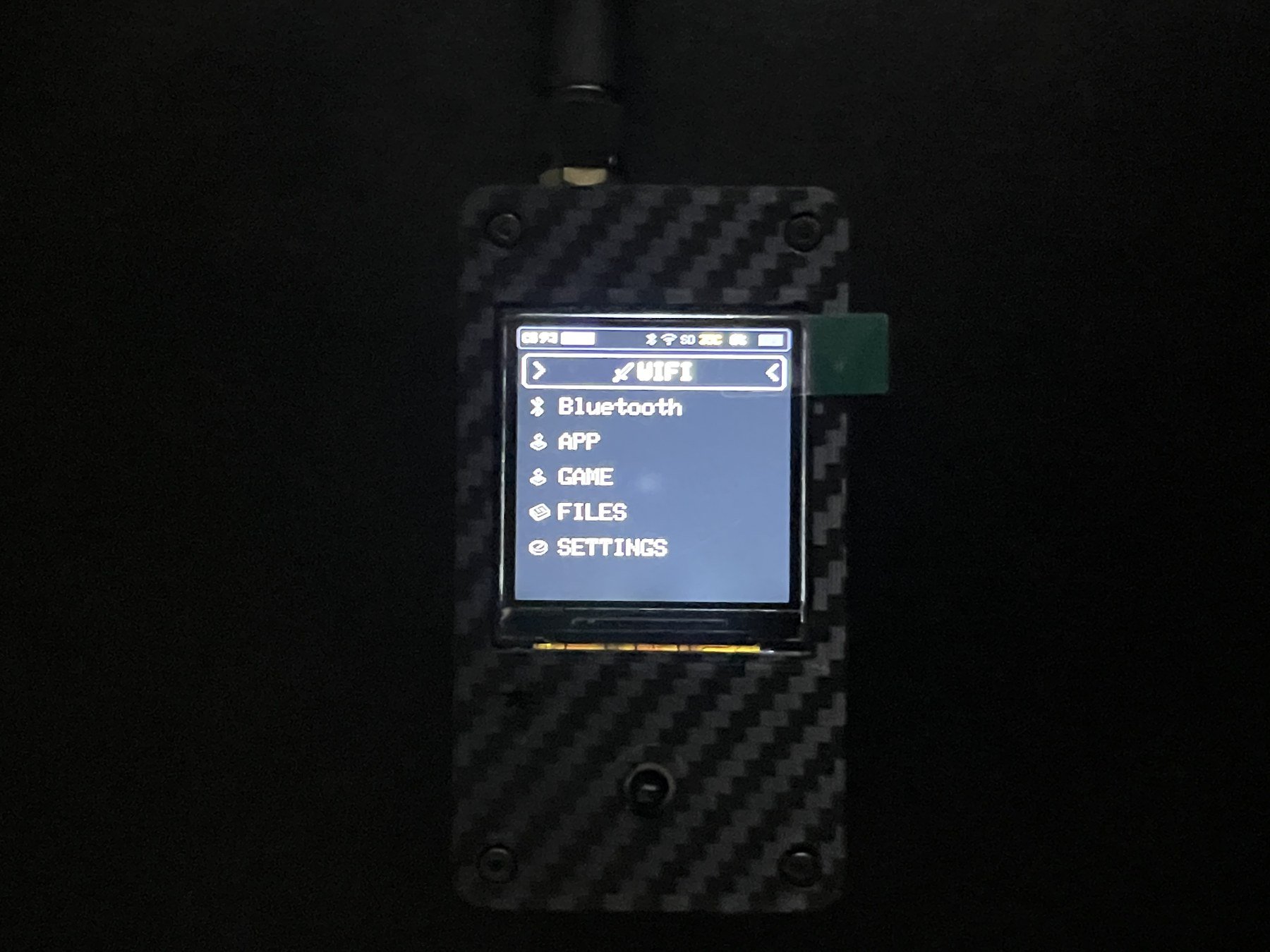
SUB-GHz appears only when a CC1101 is detected, so it may not be visible in the photo.🌳 Detailed menu tree
Items follow the source order used by the device. The final< BACK item in each submenu is omitted.
SUB-GHz
SUB-GHz
APP
APP
GAME
GAME
FILES
FILES
SETTINGS
SETTINGS