Bluetooth → SPAM
Choose a preset
Choose the preset that matches the test device:iOS
Supported Apple devices
Samsung
Supported Samsung devices
Android
Supported Android devices
Microsoft
Supported Microsoft devices
Random
Cycle through several data formats
Start and stop
1
Prepare the test phone
Place your phone near C5TAKO™ and enable Bluetooth.
2
Choose a preset
Open
Bluetooth → SPAM and choose the preset that matches the device.3
Start the test
Press the center button to start and observe the response on your phone.
4
Stop
Use the feature-stop procedure immediately when finished.
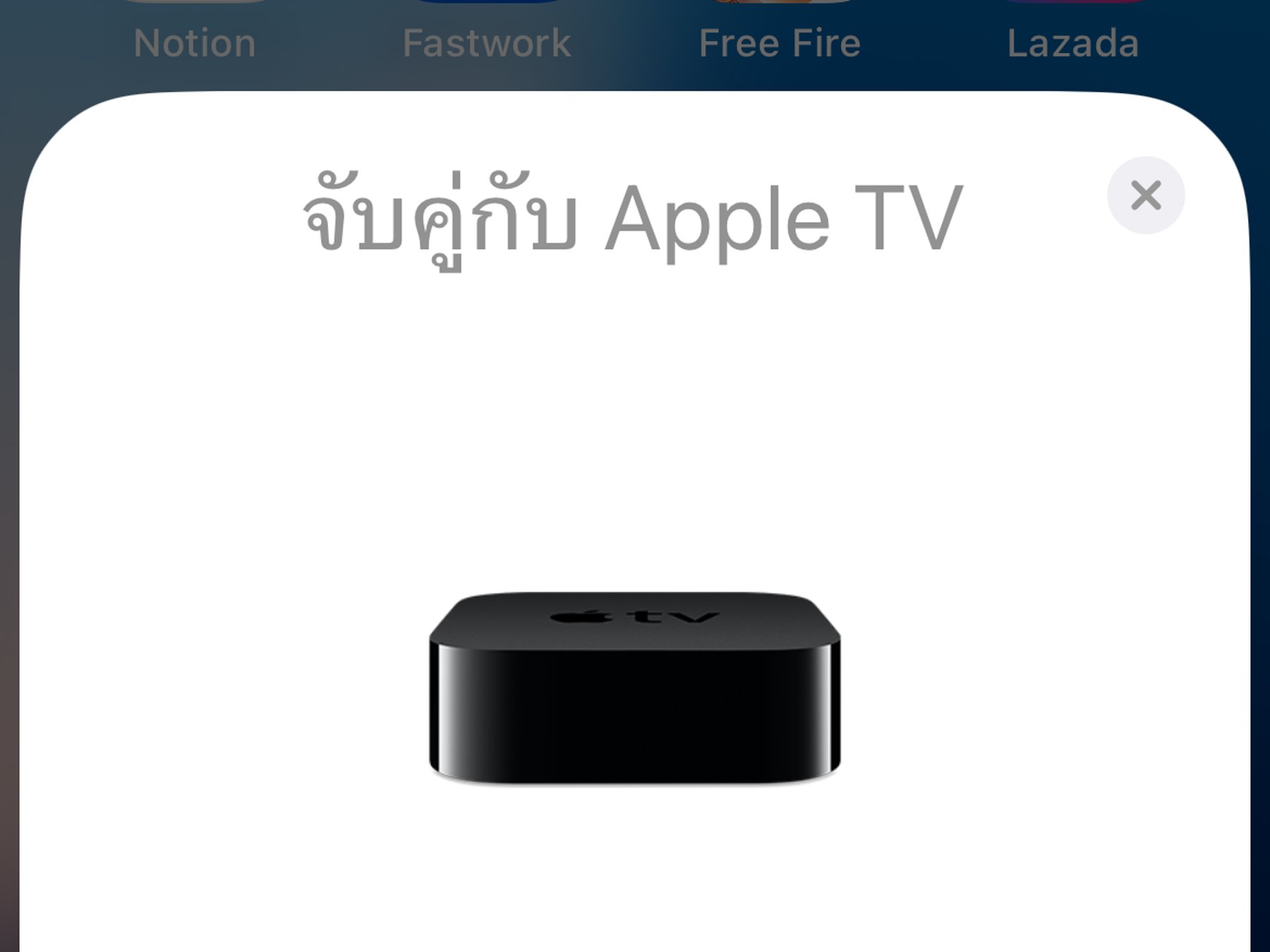
Example result on the test device