
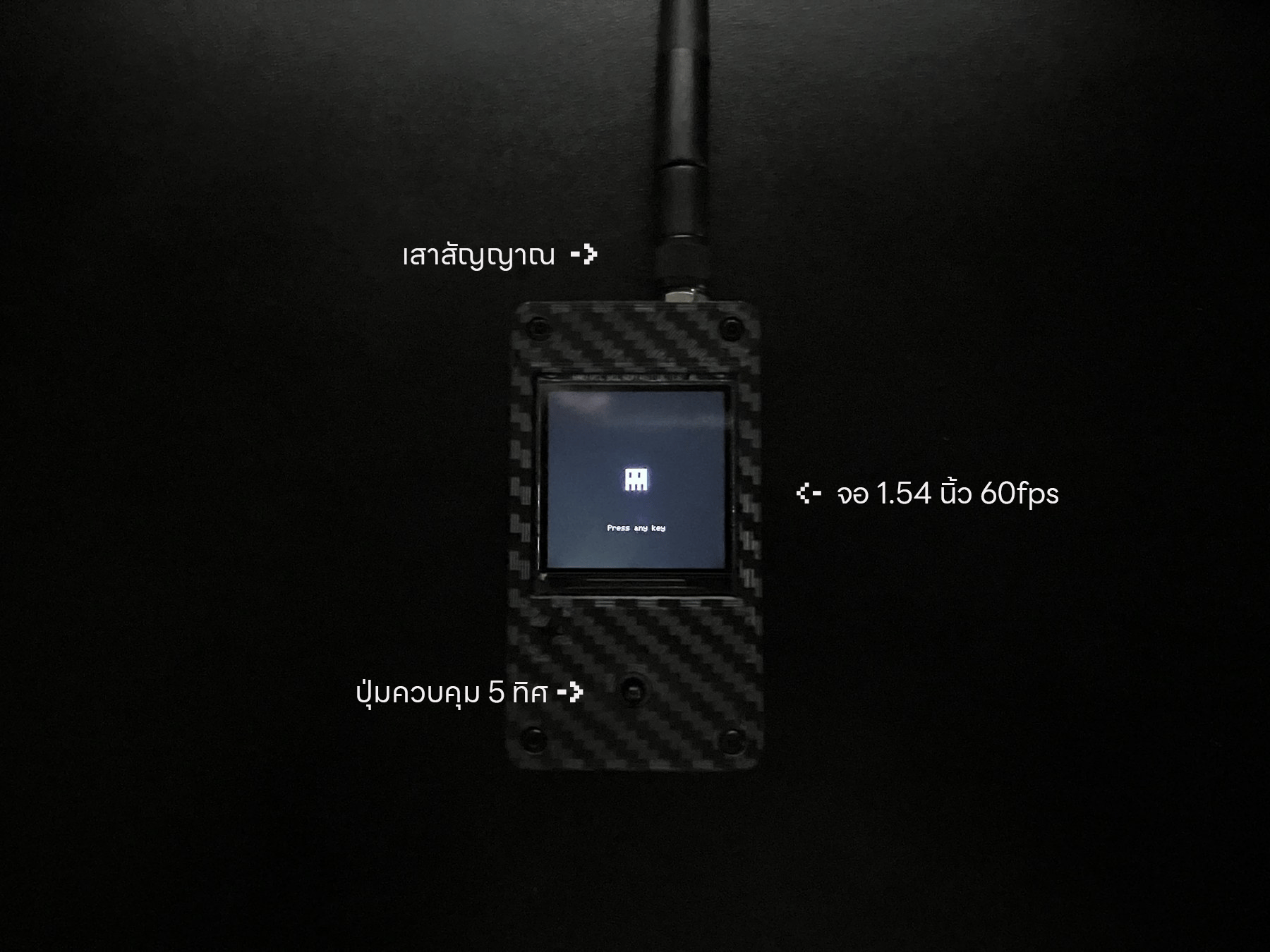
⭐ Key feature: C5TAKO™ supports both 2.4 GHz and 5 GHz Wi-Fi bands.
Just received the device
Follow this order after unboxing:1. Unbox and power on
Inspect the device, identify its parts, and turn it on.
2. Learn the controls
Select menus, go back, and stop active features.
3. Recommended settings
Set a password, theme, and brightness.
4. Choose a feature
Start from what you need to do; no menu names need to be memorized.
Choose a device menu
After powering on, select a guide by the menu name shown on the display:WIFI
Scan, inspect, and test 2.4 GHz and 5 GHz Wi-Fi
Bluetooth
Inspect and test BLE devices
SUB-GHz
Receive and analyze signals when a CC1101 module is installed
APP
Use sounds and the display light
GAME
Play MAZE game
FILES
View and manage files
SETTINGS
Configure the device
Care and updates
Update firmware
Update with Web Firmware Installer.
Troubleshooting
Device will not start, controls do not respond, or an update fails.
Device care and warranty
Care instructions, warranty terms, and contact channels.