
WIFI menu to scan networks, inspect signals, or test Wi-Fi systems that you are authorized to assess.
⭐ C5TAKO™ highlight: Supports both 2.4 GHz and 5 GHz Wi-Fi bands.
🧭 Choose a menu
SCAN
Find routers or connected devices
ATTACK
Test network defenses
SNIFFER
View traffic packets or save a PCAP
💡 Where to start? Start with
SCAN when you need to discover and select an AP or STA before using another menu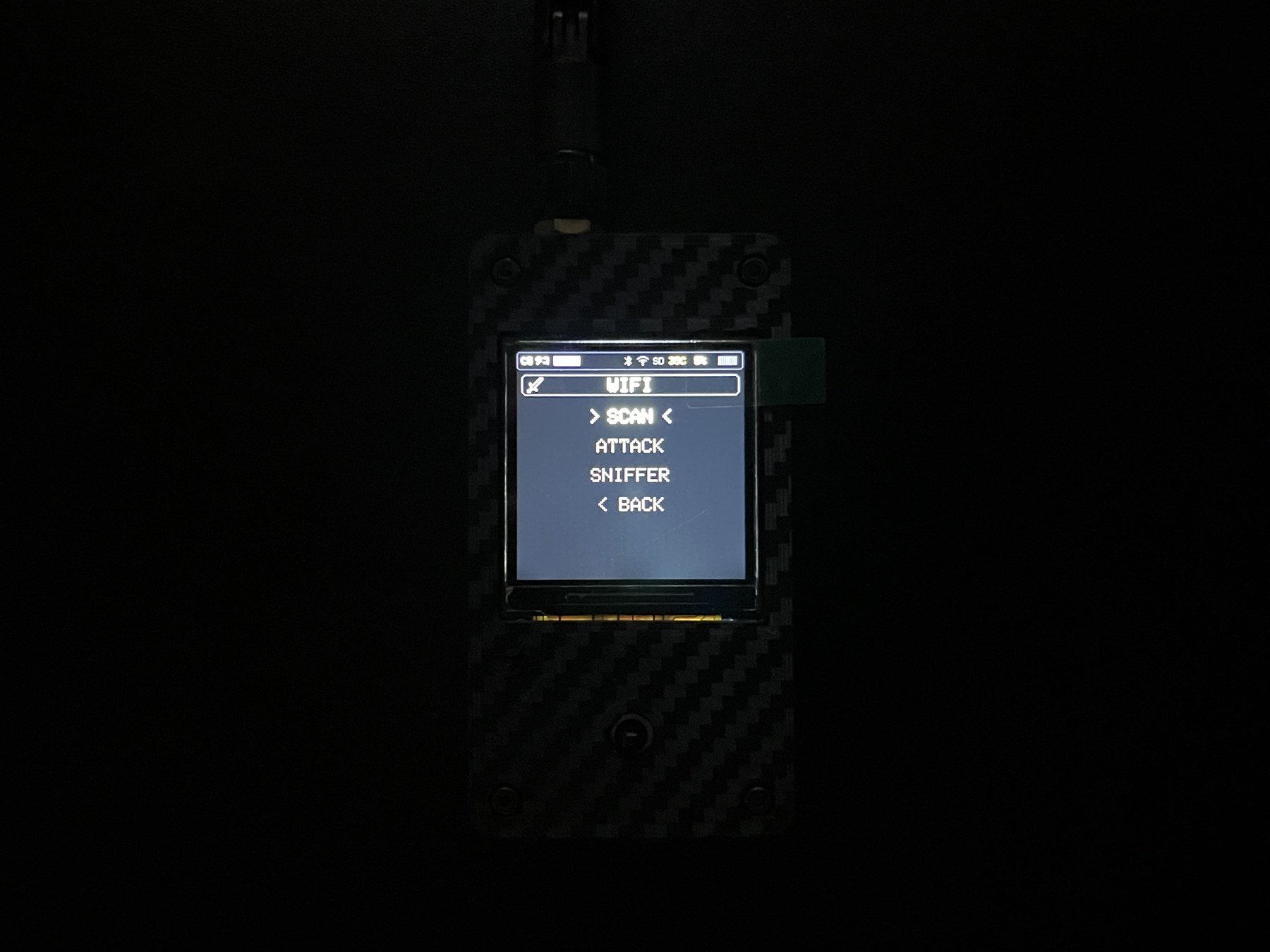
💡 Common terms
What is an AP?
What is an AP?
An
AP, or Access Point, is a Wi-Fi signal source such as a home router or hotspot.What is an STA?
What is an STA?
An
STA is a device connected to Wi-Fi, such as a phone, computer, or IP camera. Some screens call it a Client.What are Packet and PCAP?
What are Packet and PCAP?
A Packet is a small unit of data sent over a network. A PCAP is a file that stores packets for later inspection.