
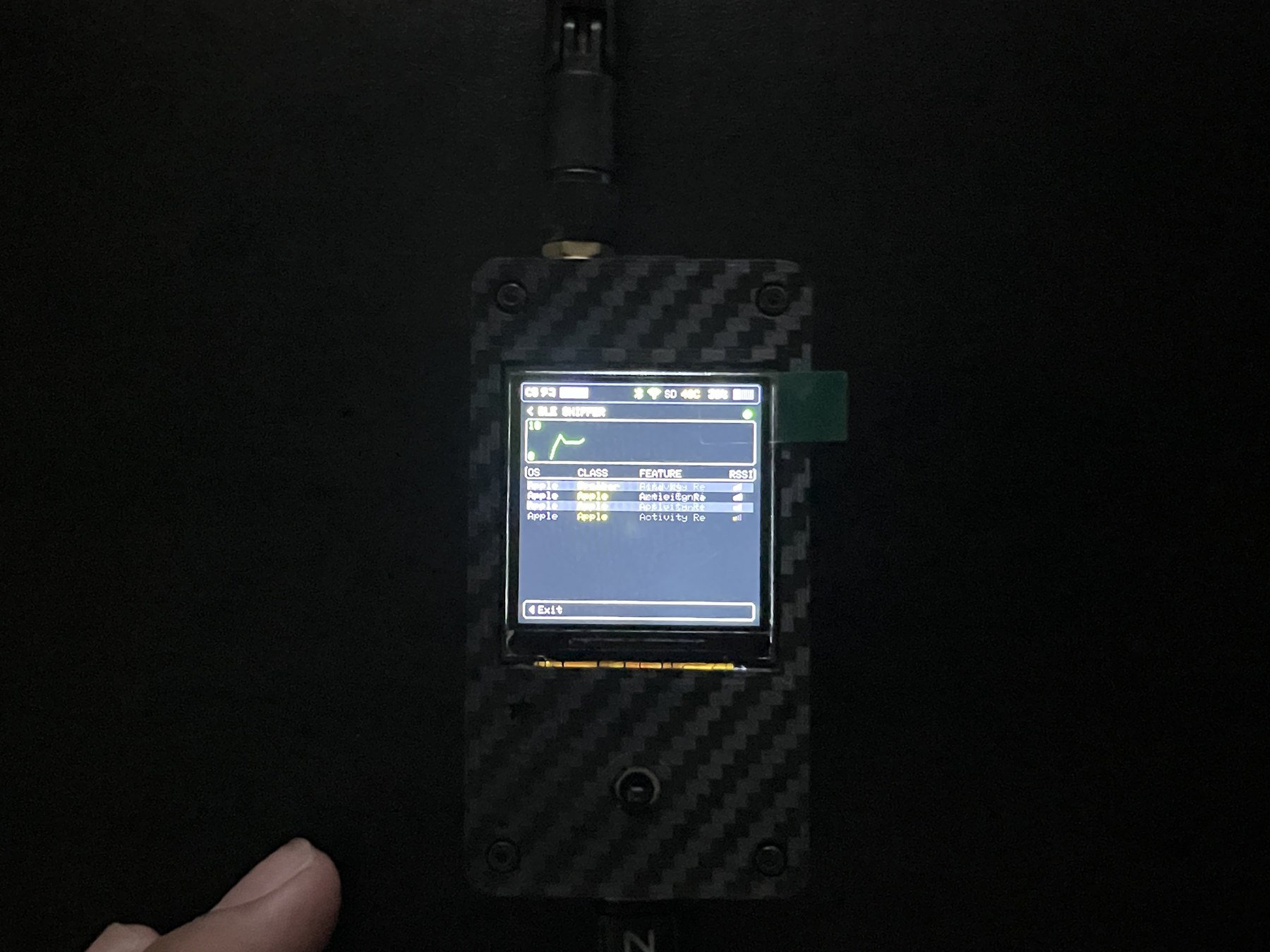
📊 BLE Monitor
- Open
Bluetooth → SNIFFER → BLE Monitor. - Wait for devices to appear on the display.
- Hold the center button for about one second to stop.
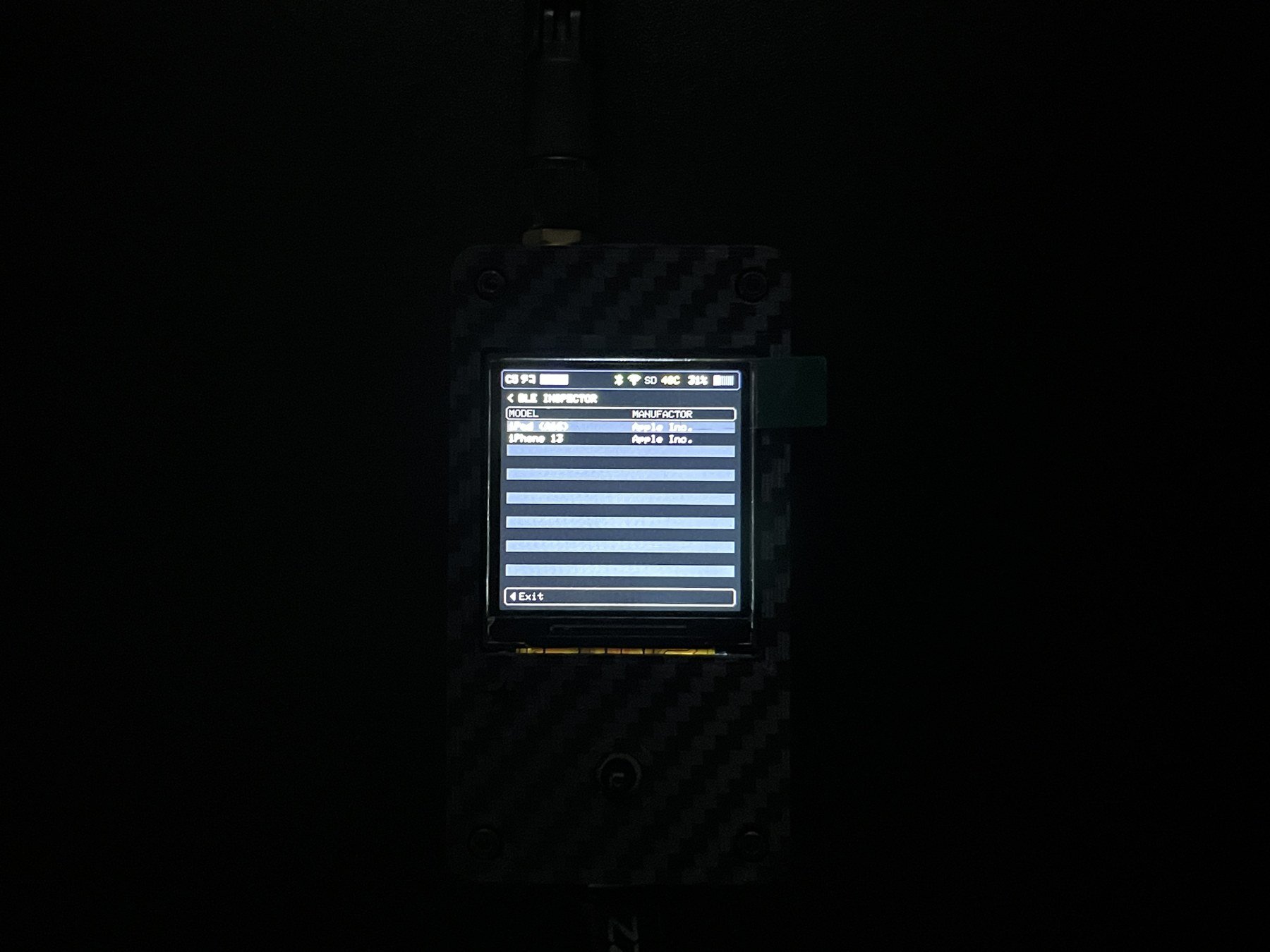
🔎 Inspector
- Open
Bluetooth → SNIFFER → Inspector. - Select the device to inspect.
- Read the details on the display.
- Press left to go back, or use the feature-stop procedure to leave the active screen.
The displayed name or address may not reliably identify an owner or device type. Some devices automatically rotate their address for privacy.
If no devices are found
- Move the device closer to C5TAKO™.
- Confirm that Bluetooth is enabled and the device is advertising.
- Use the feature-stop procedure to close the current scan screen.
- Turn Bluetooth off and on again on the test device, then retry.
- If it is still not found, restart C5TAKO™.