
In the box
- C5TAKO™ device with case
- Product box
- 3.7V, 250 mAh battery with a PH2.0 connector
- A data-capable USB cable
- A microSD card for additional storage — not included
Battery
The device includes a 3.7V, 250 mAh battery with a PH2.0 connector. If you need longer runtime, you may replace it with a higher-capacity 3.7V battery that has compatible dimensions and a PH2.0 connector.Identify the device parts
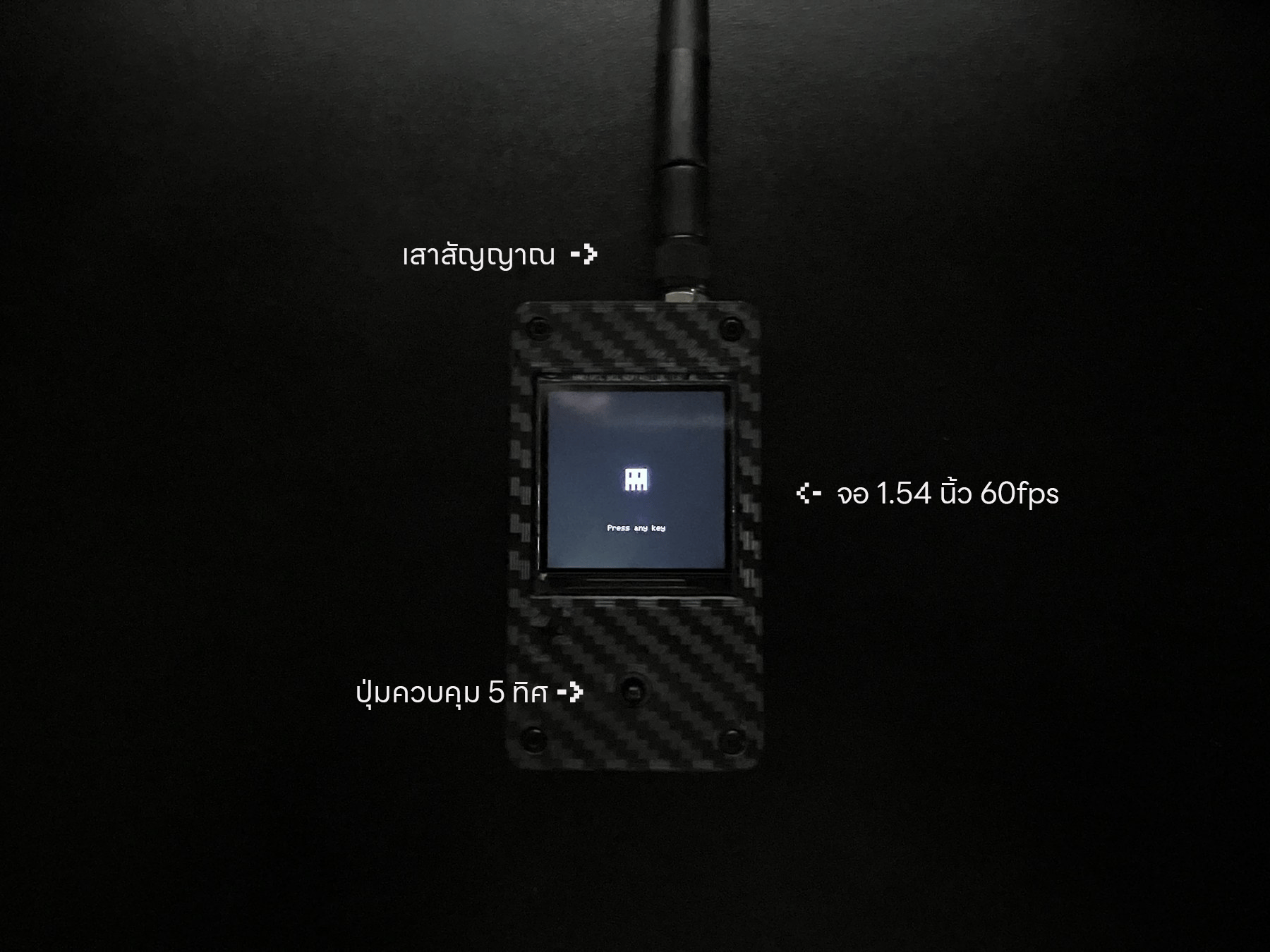
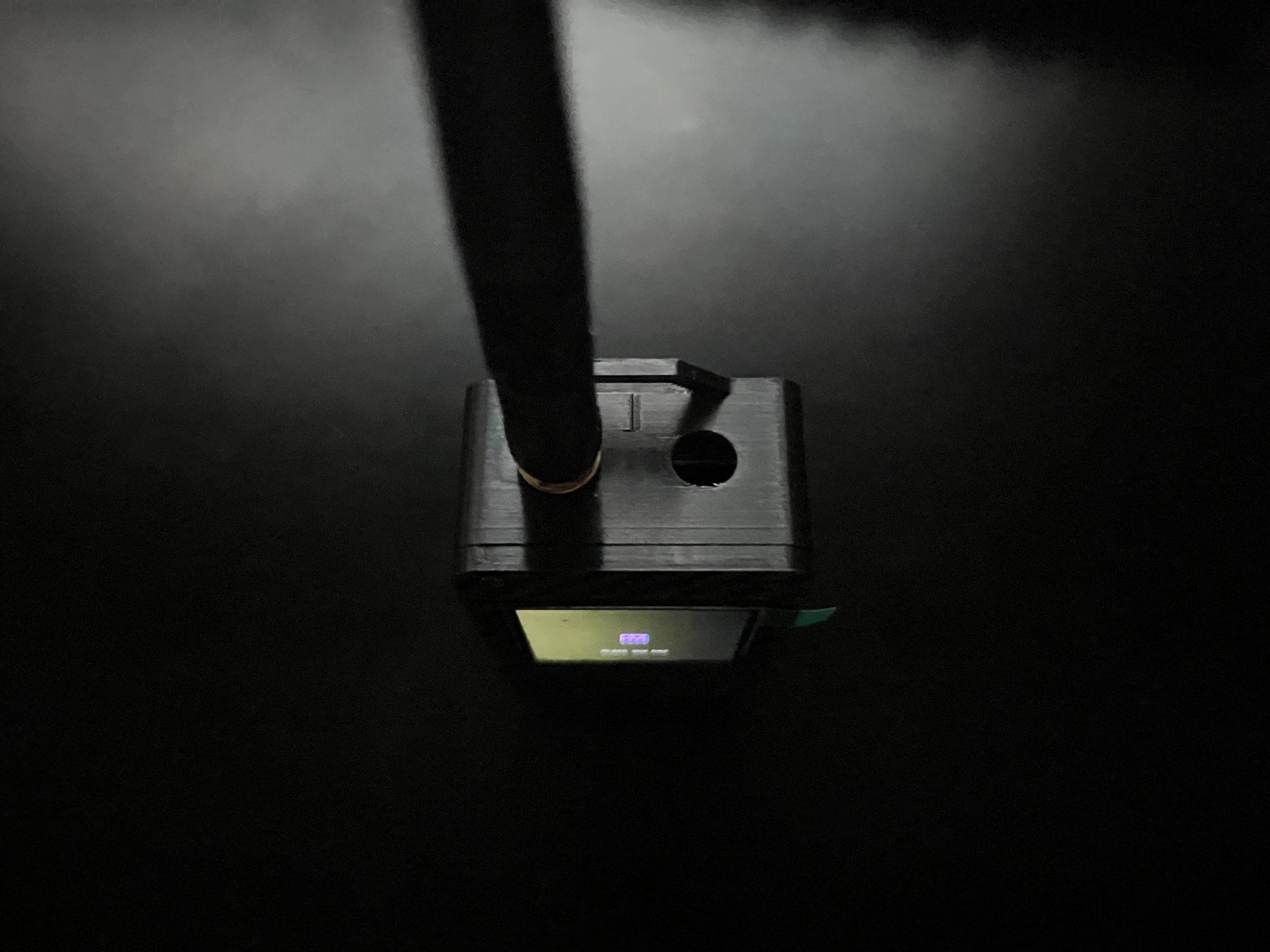
Before using the device, locate these parts:- 1.54-inch display
- Five-way control
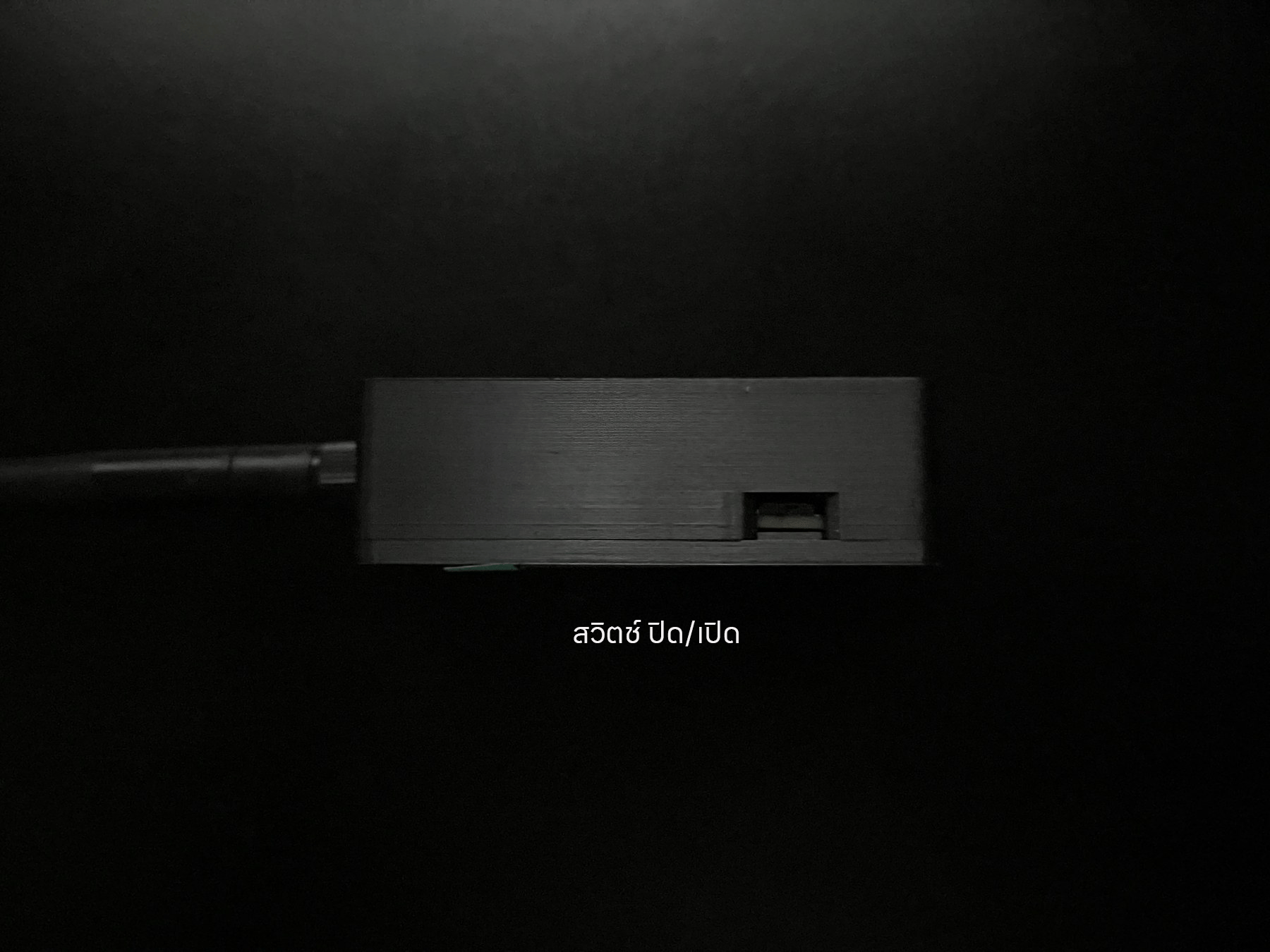
- Side power switch
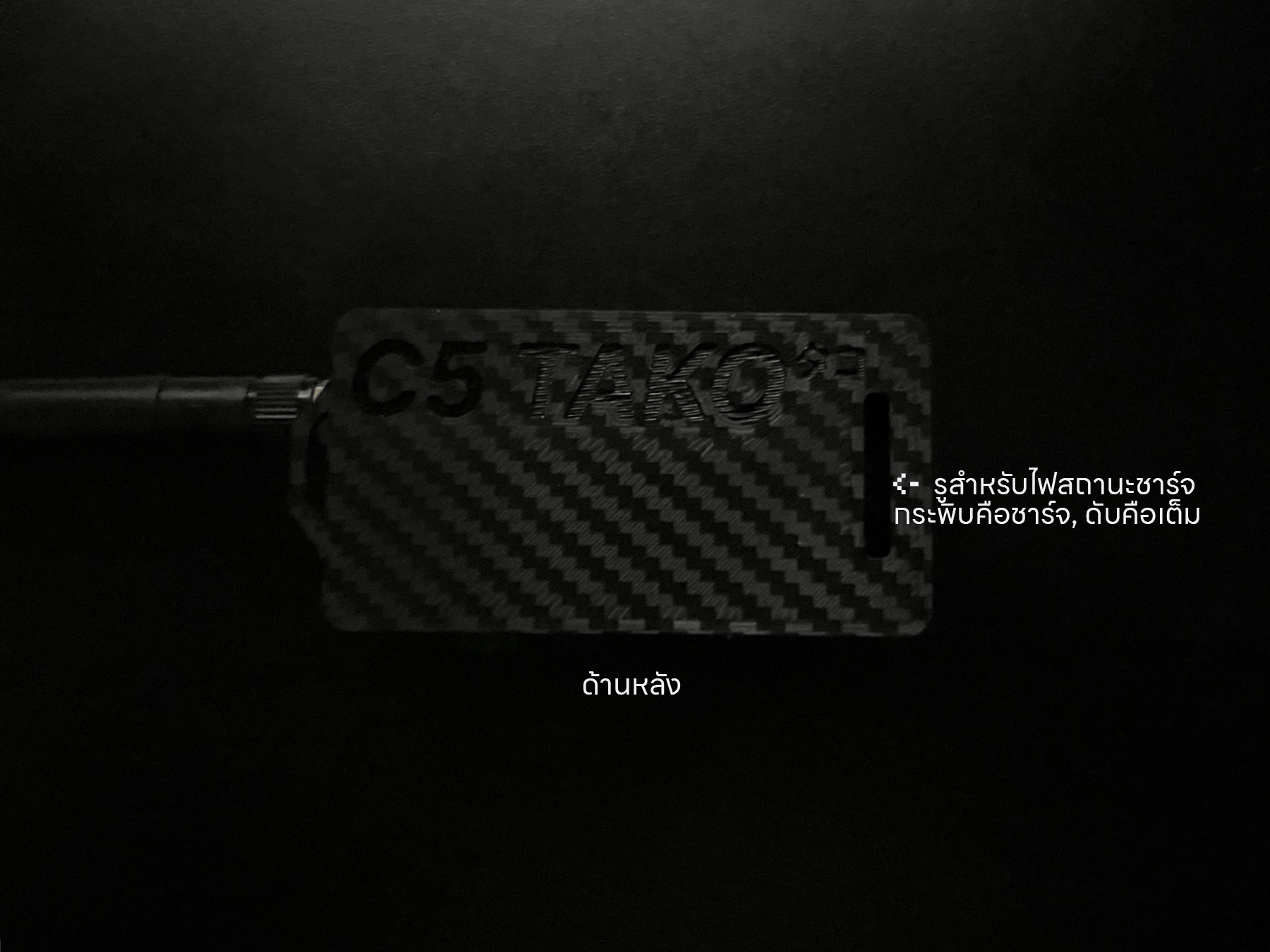
- USB port for charging and firmware updates
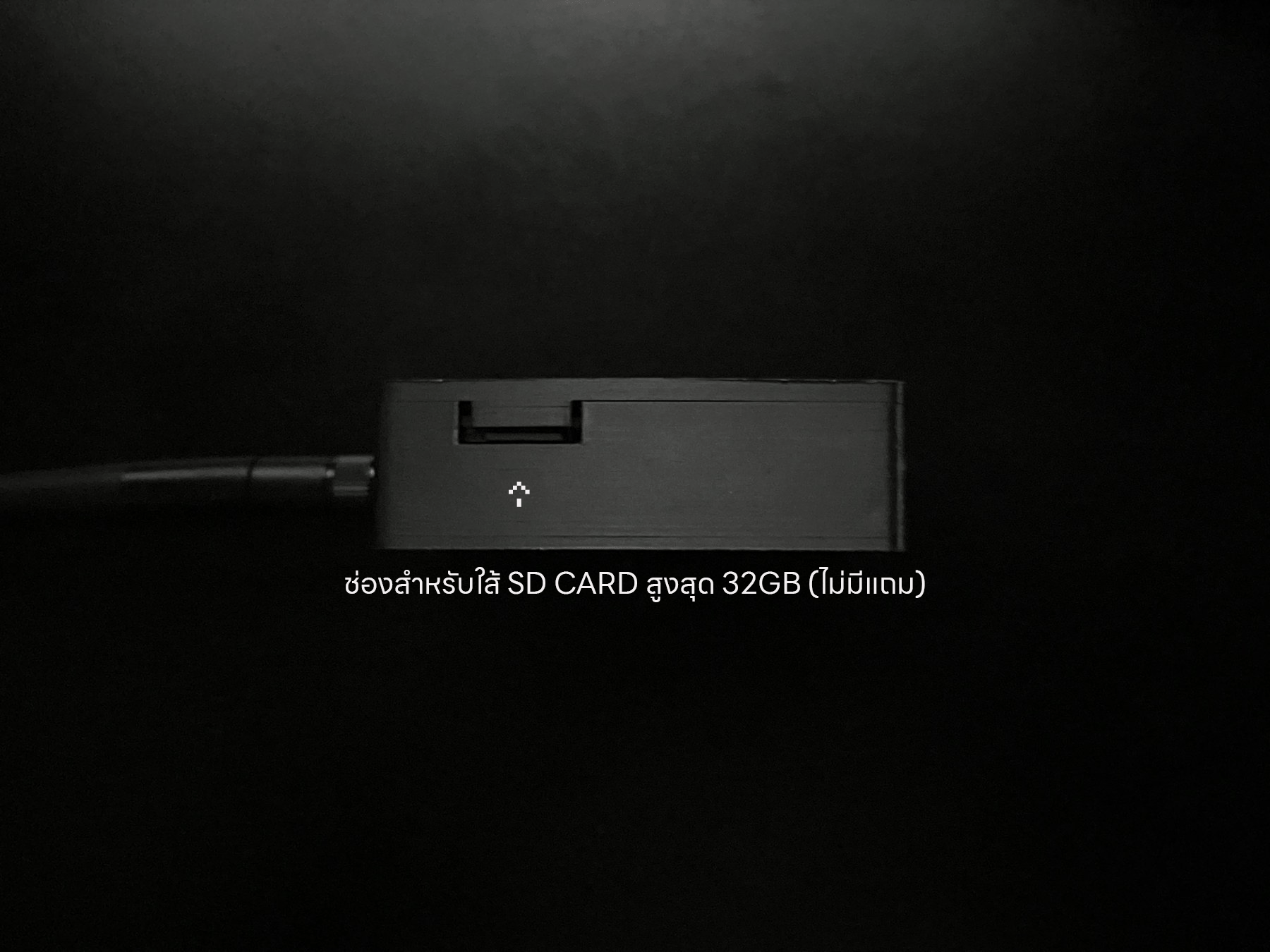
- microSD slot
Turn on
Follow these steps until the main menu appears.1
Inspect the device
Check that the case, display, controls, and ports are not cracked, bent, or loose.
2
Slide the power switch on
Use the side switch and wait briefly for the boot screen.
3
Wait for the main menu
The device is ready when the main menu appears.
Turn off and charge
- Save any work in progress.
- Move the side switch to off.
- Wait for the display to turn off.
- To charge, connect the USB cable after turning the device off.
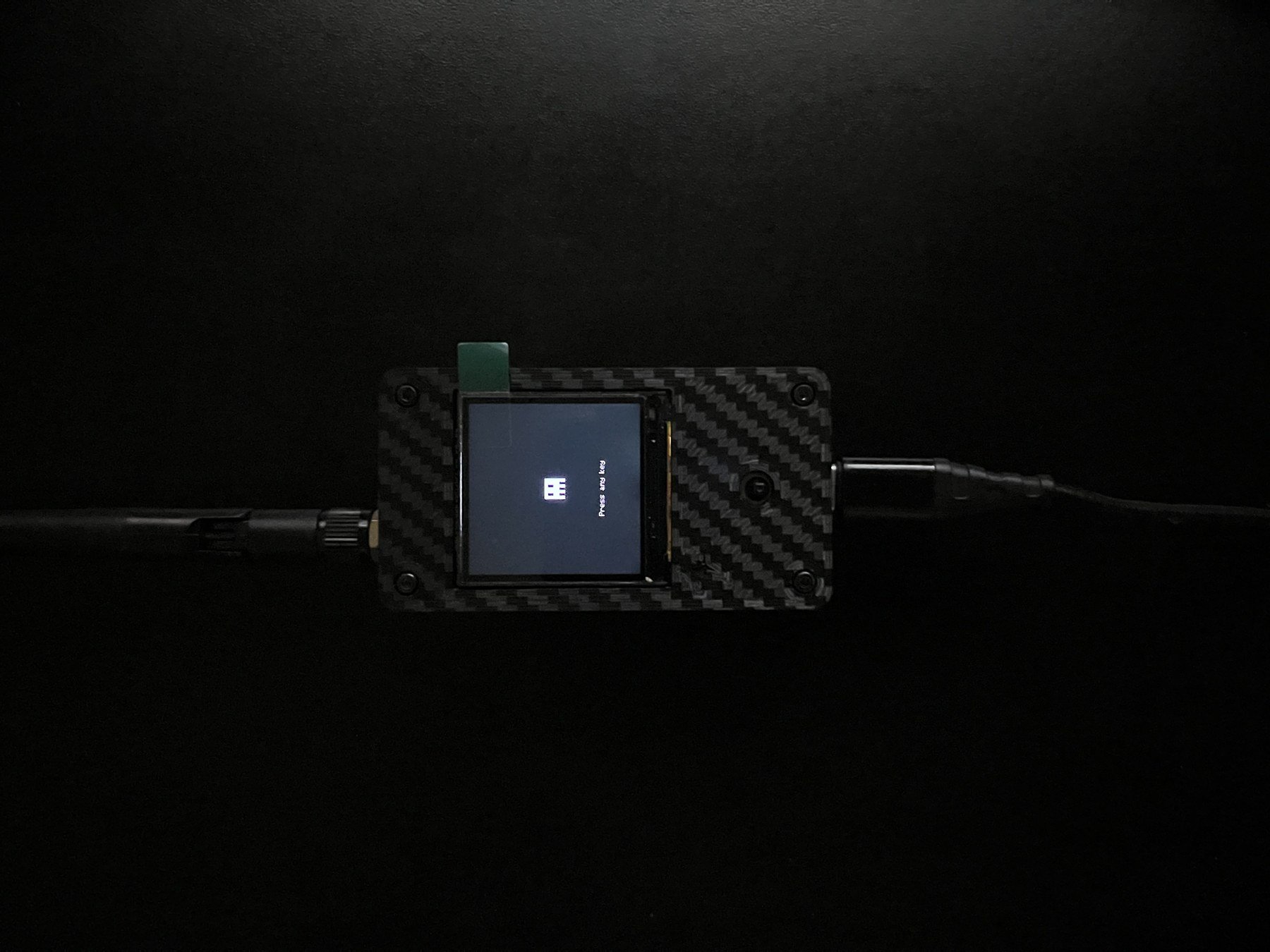
The device can charge while powered off, even when the display is not lit.