
Bluetooth menu to inspect or test Bluetooth Low Energy (BLE) devices.
🧭 Choose a menu
SPAM
Test BLE notifications
ATTACK
Test AirtagTrigger
SNIFFER
View nearby BLE devices
Bad BLE
Test Bluetooth HID controls
💡 Choose
SNIFFER to view nearby devices. Choose SPAM or ATTACK only when testing your own device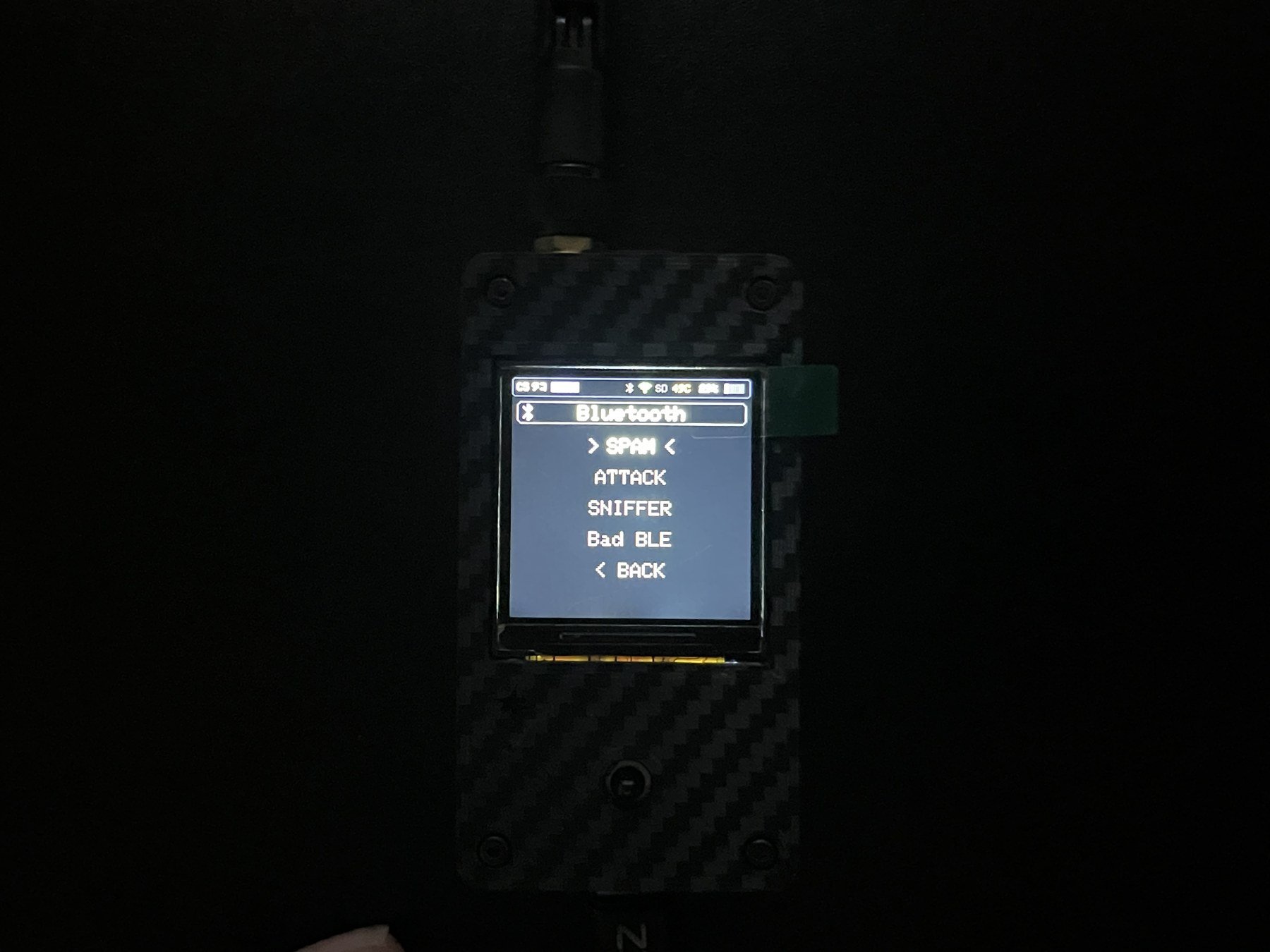
If the phone does not respond
- Confirm that Bluetooth is enabled on the phone.
- Move the devices closer together.
- Stop any other Bluetooth feature on C5TAKO™.
- Turn the phone’s Bluetooth off and on, then try again.